





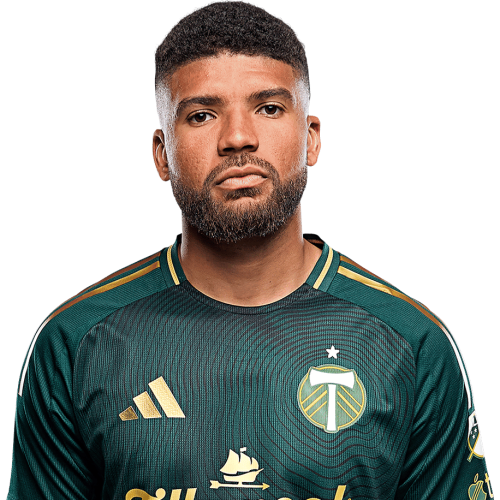
Zac McGraw is a United States defender currently listed with Portland Timbers in Major League Soccer.
Zac McGraw MLS Profile
- Club: Portland Timbers
- Position: Defender
- Nationality: United States
- Born: June 8, 1997
- Height: 1.93 m (6 ft 3 in)
- Weight: 203 lbs
About Zac McGraw
Zac McGraw (born June 8, 1997) is an American soccer player who currently plays for Major League Soccer club Portland Timbers.
McGraw played as part of the USSDA academy side FC Golden State, before playing college soccer at the United States Military Academy in 2016. McGraw made 68 appearances for the Black Knights over four seasons, scoring a single goal and tallying 9 assists. McGraw, who was a four-time First Team All-Patriot League honoree and earned two USCA First Team All-Northeast Region recognition's in 2017 and 2018, and was named a 2019 USCA Third Team All-Northeast Region honoree.
Zac McGraw Discussion
Discuss Zac McGraw, Portland Timbers, MLS performances, transfers, goals, highlights, and Major League Soccer news on MLS Forums.
Join the conversation
You can post now and register later. If you have an account, sign in now to post with your account.