






- SportsDB Player ID: 34295146
- Team ID: 18
- Player Name: Maximo Carrizo
- Position: Midfielder
- Nationality: New York City
- Date of Birth: 01/01/1970
- Height: None
- Photo: https://r2.thesportsdb.com/images/media/player/cutout/wcvf761778272326.png
- Description: Máximo Carrizo (born 28 February 2008) is an American professional soccer player who plays as a central midfielder for New York City FC (NYCFC). He is best known for becoming the youngest player to ever sign a professional first-team contract in Major League Soccer (MLS) history, which he did on his 14th birthday in 2022.
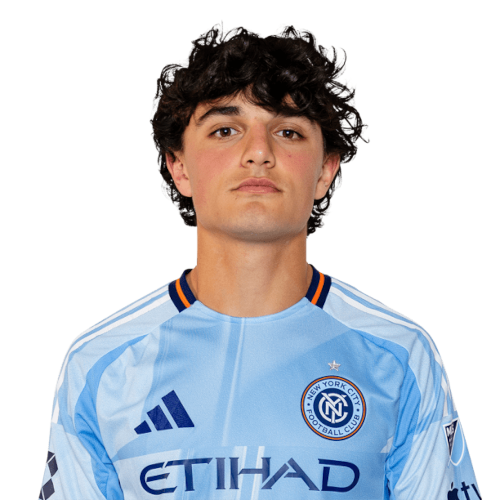
Maximo Carrizo is a New York City midfielder currently listed with New York City FC in Major League Soccer.
Maximo Carrizo MLS Profile
- Club: New York City FC
- Position: Midfielder
- Nationality: New York City
- Date of Birth: 2008-02-28
- Height: None
About Maximo Carrizo
Máximo Carrizo (born 28 February 2008) is an American professional soccer player who plays as a central midfielder for New York City FC (NYCFC). He is best known for becoming the youngest player to ever sign a professional first-team contract in Major League Soccer (MLS) history, which he did on his 14th birthday in 2022.
Maximo Carrizo Discussion
Discuss Maximo Carrizo, New York City FC, MLS performances, transfers, goals, highlights, and Major League Soccer news on MLS Forums.
There are no reviews to display.