






-
Description: Matti Peltola (born 3 July 2002) is a Finnish professional footballer who plays as midfielder and defender for Major League Soccer club D.C. United and the Finland national team.
Early years
Born in Espoo, Peltola started playing football in Belgium, where his family lived for a couple of years due to father's work. After returning to Finland, Peltola joined Keimolan Kaiku youth team in Vantaa.
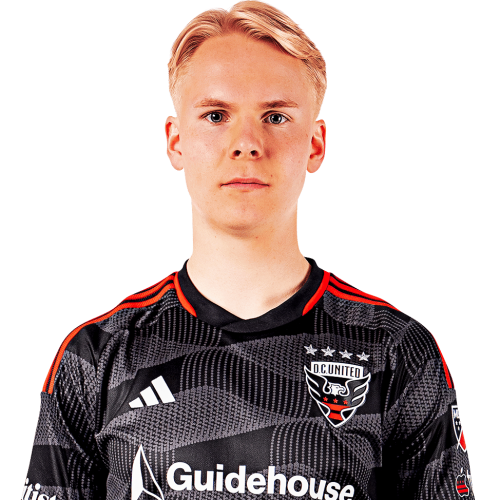
Matti Peltola is a Finland defender currently listed with DC United in Major League Soccer.
Matti Peltola MLS Profile
- Club: DC United
- Position: Defender
- Nationality: Finland
- Date of Birth: 2002-07-03
- Height: 1.85 m (6 ft 1 in)
About Matti Peltola
Matti Peltola (born 3 July 2002) is a Finnish professional footballer who plays as midfielder and defender for Major League Soccer club D.C. United and the Finland national team.
Early years
Born in Espoo, Peltola started playing football in Belgium, where his family lived for a couple of years due to father's work. After returning to Finland, Peltola joined Keimolan Kaiku youth team in Vantaa.
Matti Peltola Discussion
Discuss Matti Peltola, DC United, MLS performances, transfers, goals, highlights, and Major League Soccer news on MLS Forums.
There are no reviews to display.