





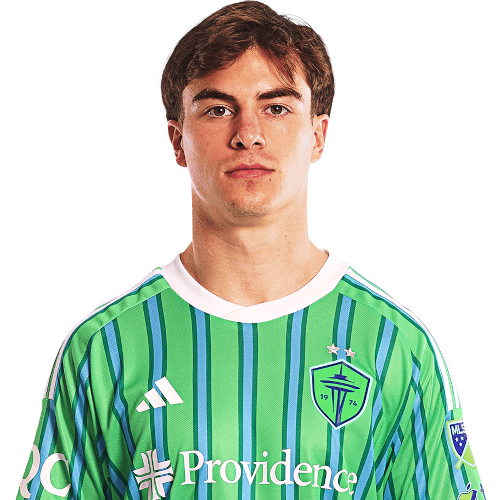
Cody Baker is a United States defender currently listed with Seattle Sounders in Major League Soccer.
Cody Baker MLS Profile
- Club: Seattle Sounders
- Position: Defender
- Nationality: United States
- Born: January 7, 2004
- Height: 5 ft 10 in (1.78 m)
- Weight: 152 lbs
About Cody Baker
Cody Baker is an American professional soccer player who plays as a center-back or right-back for Sacramento Republic FC of the USL Championship, on loan from Major League Soccer club Seattle Sounders FC.
Club career
Born in Washington, Baker joined the youth setup of Major League Soccer club Seattle Sounders FC in 2018. While in the academy, Baker began as a centre-back before converting to right-back. In March 2021, Baker was named by Sounders FC head coach Brian Schmetzer as one of the academy players who could be called-up to the first team: "I would say that Cody Baker is another one on my list. He’s been a surprise. He might not quite be ready, but he’s going to be ready".
On May 13, 2021, Baker made his professional debut for Sounders FC's USL Championship affiliate Tacoma Defiance against San Diego Loyal, coming on as a 79th minute substitute in a 3–1 victory.
On July 21, 2021, Baker signed a professional contract with Tacoma.
Cody Baker Discussion
Discuss Cody Baker, Seattle Sounders, MLS performances, transfers, goals, highlights, and Major League Soccer news on MLS Forums.
Join the conversation
You can post now and register later. If you have an account, sign in now to post with your account.