





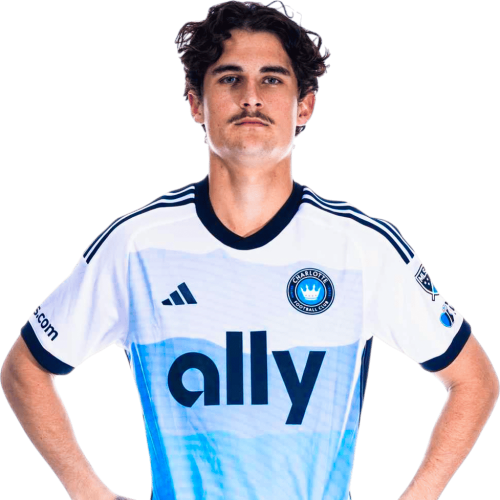
Archie Goodwin is a Australia forward currently listed with Charlotte FC in Major League Soccer.
Archie Goodwin MLS Profile
- Club: Charlotte FC
- Position: Forward
- Nationality: Australia
- Born: November 7, 2004
About Archie Goodwin
Archie Stuart Wayne Goodwin (born 7 November 2004) is an Australian professional soccer player who plays as a striker for Major League Soccer club Charlotte FC.
In 2020, after four years progressing through the ranks of the Newcastle Jets Academy, Goodwin began training with the club's first team at the age of 16. He would then go on to make his A-League senior debut in February 2021 as a substitute in a 1–0 win over Melbourne Victory. At 16 years, 106 days old Goodwin was the clubs youngest first team player in history and impressed as he played 9 minutes and made one shot with his first touch of the match.
Archie Goodwin Discussion
Discuss Archie Goodwin, Charlotte FC, MLS performances, transfers, goals, highlights, and Major League Soccer news on MLS Forums.
Join the conversation
You can post now and register later. If you have an account, sign in now to post with your account.