






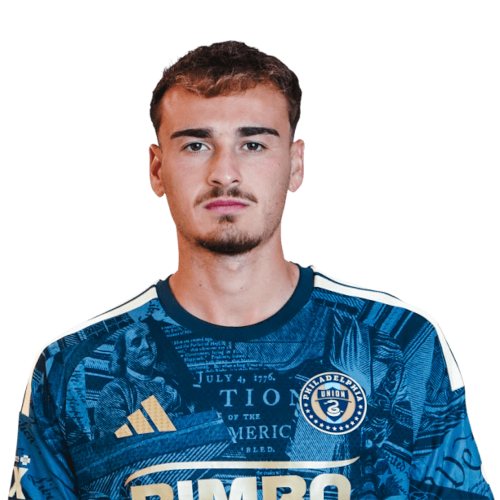
Agustín Anello is a United States left wing currently listed with Philadelphia Union in Major League Soccer.
Agustín Anello MLS Profile
- Club: Philadelphia Union
- Position: Left Wing
- Nationality: United States
- Date of Birth: 2002-04-22
- Height: 182 cm
About Agustín Anello
Agustín Anello Giaquinta (born April 22, 2002) is an American professional soccer player who plays as a winger for Major League Soccer club Philadelphia Union.
As a youngster Anello played for the academies of Cornellà and Espanyol before joining Belgian side Lommel in 2019. In September 2021, he signed his first professional contract with the club. In February 2023, he joined Hajduk Split on loan until the end of the season with an option to make the deal permanent.
On July 2, 2023, Anello signed a contract with Sparta Rotterdam in the Netherlands for the term of three seasons, with an option for a fourth.
Agustín Anello Discussion
Discuss Agustín Anello, Philadelphia Union, MLS performances, transfers, goals, highlights, and Major League Soccer news on MLS Forums.
Join the conversation
You can post now and register later. If you have an account, sign in now to post with your account.