






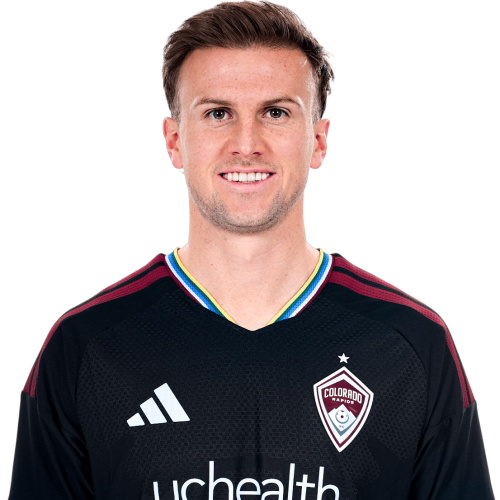
Rob Holding is a England centre-back currently listed with Colorado Rapids in Major League Soccer.
Rob Holding MLS Profile
- Club: Colorado Rapids
- Position: Centre-Back
- Nationality: England
- Born: September 20, 1995
- Height: 6 ft 2 in (1.89 m)
- Weight: 179 lbs
About Rob Holding
Robert Samuel Holding (born 20 September 1995) is an English professional footballer who plays as a centre-back for Major League Soccer club Colorado Rapids.
Holding progressed through the Bolton Wanderers youth system, making his senior debut in April 2015 while on loan at Bury. After one season in the Bolton first team, he signed for Premier League club Arsenal in July 2016. He has won the FA Cup twice and the FA Community Shield three times with the club. At Arsenal, he earned a reputation as a dogged defender, with good tackling and aerial ability. Holding has also represented England at under-21 level and was part of the team that won the Toulon Tournament in 2016.
Rob Holding Discussion
Discuss Rob Holding, Colorado Rapids, MLS performances, transfers, goals, highlights, and Major League Soccer news on MLS Forums.
Rob Holding MLS Player Links
Loading player links...
Join the conversation
You can post now and register later. If you have an account, sign in now to post with your account.