






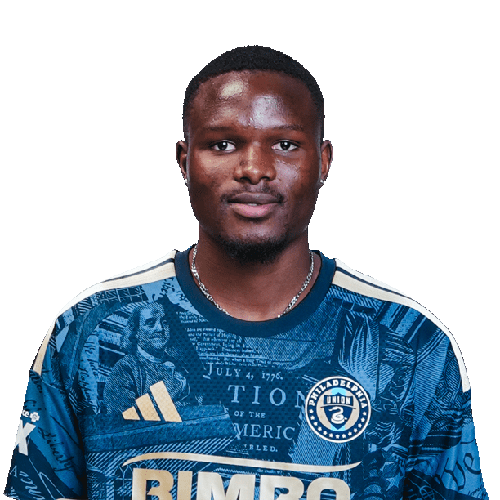
Olwethu Makhanya is a South Africa centre-back currently listed with Philadelphia Union in Major League Soccer.
Olwethu Makhanya MLS Profile
- Club: Philadelphia Union
- Position: Centre-Back
- Nationality: South Africa
- Born: April 30, 2004
- Height: 188 cm (6'2\")
About Olwethu Makhanya
Olwethu Mpilwenhle Makhanya (born 30 April 2004) is a South African professional soccer player who plays as a defender for the Philadelphia Union of Major League Soccer.
Career
Makhanya started his career with South African side Stellenbosch, where he was regarded to have performed well for the club. He was nominated for South Africa Young Footballer of the Year. He won the 2022-23 Nedbank Cup Most Promising Player award. In 2023, he signed for American side Philadelphia Union, becoming the club's first under-22 initiative signing.
Style of play
Makhanya is known for his bravery. He can operate as a central defender in a back four or a back three.
Personal life
Makhanya has regarded England international John Stones as one of his soccer idols.
Olwethu Makhanya Discussion
Discuss Olwethu Makhanya, Philadelphia Union, MLS performances, transfers, goals, highlights, and Major League Soccer news on MLS Forums.
Olwethu Makhanya MLS Player Links
Loading player links...
Join the conversation
You can post now and register later. If you have an account, sign in now to post with your account.