






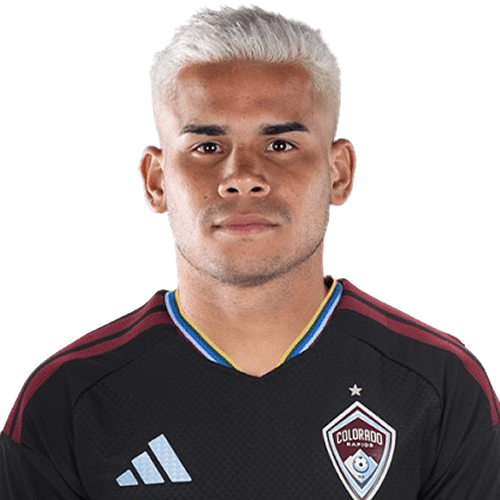
Miguel Navarro is a Venezuela left-back currently listed with Colorado Rapids in Major League Soccer.
Miguel Navarro MLS Profile
- Club: Colorado Rapids
- Position: Left-Back
- Nationality: Venezuela
- Born: February 26, 1999
- Height: 175 cm (5'9\")
- Weight: 7 kg (154 lbs)
About Miguel Navarro
Miguel Ángel Navarro Zárate (born 26 February 1999) is a Venezuelan professional footballer who plays as a defender for Major League Soccer club Colorado Rapids, on loan from Argentine Primera División club Talleres, and the Venezuela national team.
Club career
Born in Maracaibo, Navarro made his professional debut for Primera División club JBL Zulia on 16 April 2017 against Aragua, starting during a 1–0 defeat. Following one season with JBL Zulia, Navarro joined fellow Primera División side Deportivo La Guaira. He made his debut for the club on 30 March 2018 against Monagas.
Chicago Fire
On 27 January 2020, Navarro moved to the United States and joined Major League Soccer side Chicago Fire. He made his debut for the club on 7 March 2020 against the New England Revolution, coming on as a 81st minute substitute in a 1–1 draw.
International career
Navarro first represented his country Venezuela at the under-20s during the 2019 South American U-20 Championship, playing seven matches. He then represented his country at the under-23 level during the 2020 CONMEBOL Pre-Olympic Tournament.
Miguel Navarro Discussion
Discuss Miguel Navarro, Colorado Rapids, MLS performances, transfers, goals, highlights, and Major League Soccer news on MLS Forums.
Miguel Navarro MLS Player Links
Loading player links...
Join the conversation
You can post now and register later. If you have an account, sign in now to post with your account.