






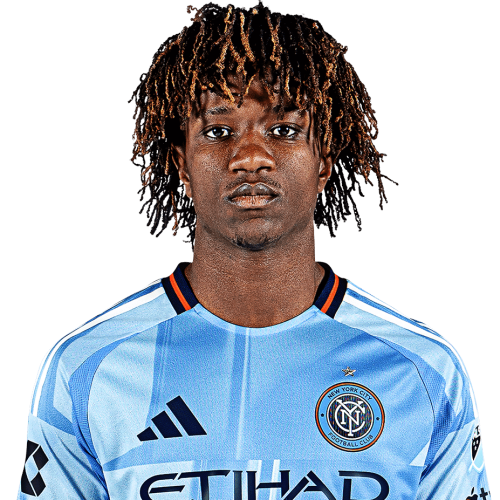
Malachi Jones is a Sierra Leone forward currently listed with New York City FC in Major League Soccer.
Malachi Jones MLS Profile
- Club: New York City FC
- Position: Forward
- Nationality: Sierra Leone
- Born: September 23, 2003
- Height: 178 cm (5'10\")
About Malachi Jones
Malachi Jones (born 23 September 2003) is a Sierra Leonean footballer who plays for Major League Soccer club New York City FC.
Early life
Jones was born in Freetown, Sierra Leone. In 2013, he moved to the United States from Sierra Leone, along with his seven brothers, after they were all adopted by an American family (as the brothers were orphans) from Thompson's Station, Tennessee. There, he played youth soccer with Nashville United Soccer Academy.
Jones attended Grace Christian Academy in Tennessee. In June 2022, he was named the Tennessee Gatorade Player of the Year. He was a four-time First Team All-State selection and helped them win the Division II, Class A soccer state championship in 2022.
Malachi Jones Discussion
Discuss Malachi Jones, New York City FC, MLS performances, transfers, goals, highlights, and Major League Soccer news on MLS Forums.
Malachi Jones MLS Player Links
Loading player links...
Join the conversation
You can post now and register later. If you have an account, sign in now to post with your account.