






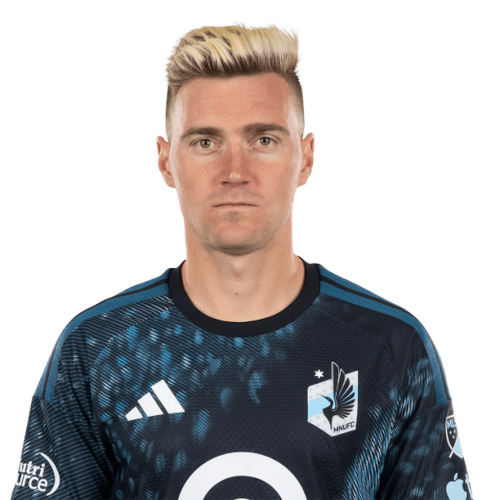
Julian Gressel is a Germany right midfield currently listed with Minnesota United in Major League Soccer.
Julian Gressel MLS Profile
- Club: Minnesota United
- Position: Right Midfield
- Nationality: Germany
- Born: December 16, 1993
- Height: 1.85 m (6 ft 1 in)
- Weight: 183 lbs
About Julian Gressel
Julian Emil Kurt Gressel (born December 16, 1993) is a professional soccer player who plays as a full-back for Major League Soccer club Minnesota United. Born in Germany, he represents the United States national team.
He began his career in Germany before moving to the United States in 2011. He then played college soccer for the Providence Friars for four seasons. In 2017, Gressel signed a contract with Major League Soccer and was selected in the MLS SuperDraft in the first round with the eighth overall pick by expansion side Atlanta United.
After his debut season with Atlanta United, Gressel was named the MLS Rookie of the Year for 2017. He then won his first championship, helping Atlanta United win MLS Cup in 2018. He also was part of Atlanta United sides that won the U.S. Open Cup and Campeones Cup in 2018 and 2019 respectively. Prior to the 2020 season, Gressel was traded to D.C. United.
He is a co-host of the PLAYER/MANAGER podcast with American YouTuber and streamer Zealand Shannon.
Julian Gressel Discussion
Discuss Julian Gressel, Minnesota United, MLS performances, transfers, goals, highlights, and Major League Soccer news on MLS Forums.
Julian Gressel MLS Player Links
Loading player links...
Join the conversation
You can post now and register later. If you have an account, sign in now to post with your account.