






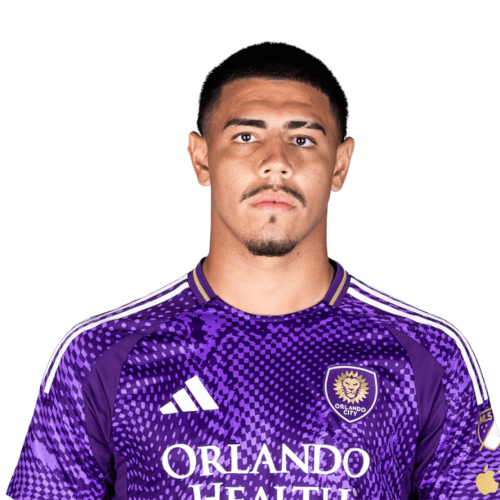
Iago Teodoro is a Brazil centre-back currently listed with Orlando City in Major League Soccer.
Iago Teodoro MLS Profile
- Club: Orlando City
- Position: Centre-Back
- Nationality: Brazil
- Born: April 18, 2005
- Height: 188 cm (6'2\")
About Iago Teodoro
Iago Teodoro da Silva Nogueira (born 18 April 2005) is a Brazilian professional footballer who plays as centre-back for Campeonato Brasileiro Série A club Flamengo.
Club career
Iago Teodoro is a youth product of Volta Redonda since the age of 13, and joined the youth academy of Flamengo in 2021. In April 2022, he signed his first professional contract with Flamengo until 2025. In 2024, he was named captain for their U20s. He made his senior and professional debut with Flamengo as a substitute in a 0–0 tie with on Portuguesa-RJ on 27 January 2024. On 29 February 2024, he extended his contract with the club until 2026.
International career
Iago Teodoro was first called up to the Brazil U20s for a set of friendlies in August 2024. He made the final Brazil U20 squad that played at the 2025 South American U-20 Championship.
Iago Teodoro Discussion
Discuss Iago Teodoro, Orlando City, MLS performances, transfers, goals, highlights, and Major League Soccer news on MLS Forums.
Iago Teodoro MLS Player Links
Loading player links...
Join the conversation
You can post now and register later. If you have an account, sign in now to post with your account.