






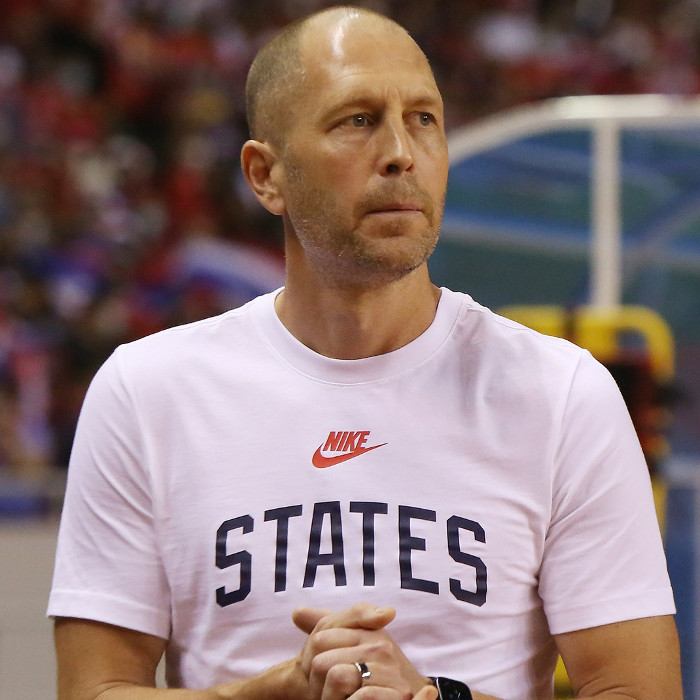
Gregg Berhalter is a United States manager currently listed with Chicago Fire in Major League Soccer.
Gregg Berhalter MLS Profile
- Club: Chicago Fire
- Position: Manager
- Nationality: United States
- Born: August 1, 1973
- Height: 6 ft 1 in (1.85 m)
About Gregg Berhalter
Gregg Matthew Berhalter (born August 1, 1973) is an American soccer coach and former player. He is the current head coach and director of football for Major League Soccer club Chicago Fire, a role he assumed following the end of the 2024 season.
He originally served in the role from 2018 to 2022; following the expiration of his contract, U.S. Soccer employed interim head coaches before rehiring him to the post on June 16, 2023. His tenure with United States men's national team ended a week after the team's early elimination in the 2024 Copa America group stage. Berhalter previously coached Columbus Crew in Major League Soccer, Hammarby in Sweden and served as an assistant coach for LA Galaxy.
Gregg Berhalter Discussion
Discuss Gregg Berhalter, Chicago Fire, MLS performances, transfers, goals, highlights, and Major League Soccer news on MLS Forums.
Gregg Berhalter MLS Player Links
Loading player links...
Join the conversation
You can post now and register later. If you have an account, sign in now to post with your account.