






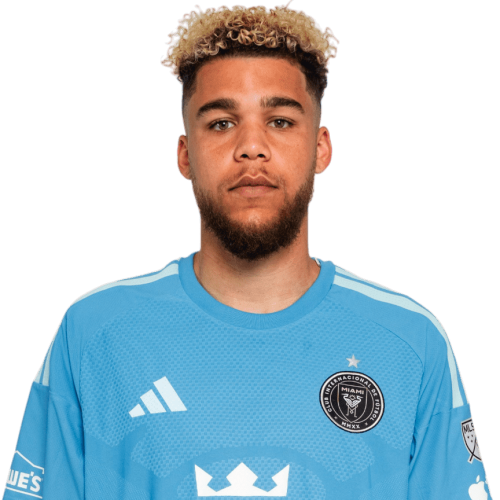
Dayne St. Clair is a Canada goalkeeper currently listed with Inter Miami in Major League Soccer.
Dayne St. Clair MLS Profile
- Club: Inter Miami
- Position: Goalkeeper
- Nationality: Canada
- Born: May 9, 1997
- Height: 1.91 m
- Weight: 190 lbs
About Dayne St. Clair
Dayne Tristan St. Clair (born May 9, 1997) is a Canadian professional soccer player who currently plays as a goalkeeper for Major League Soccer club Inter Miami and the Canada national team. Prior to playing for Minnesota United, St. Clair was a two-year starter for the Maryland Terrapins men's soccer program. With Maryland, he was the starting goalkeeper for their national championship run, where he earned the NCAA Division I Men's Soccer Tournament Most Outstanding Player for the best defensive soccer player in the national tournament.
Dayne St. Clair Discussion
Discuss Dayne St. Clair, Inter Miami, MLS performances, transfers, goals, highlights, and Major League Soccer news on MLS Forums.
Dayne St. Clair MLS Player Links
Loading player links...
Join the conversation
You can post now and register later. If you have an account, sign in now to post with your account.