






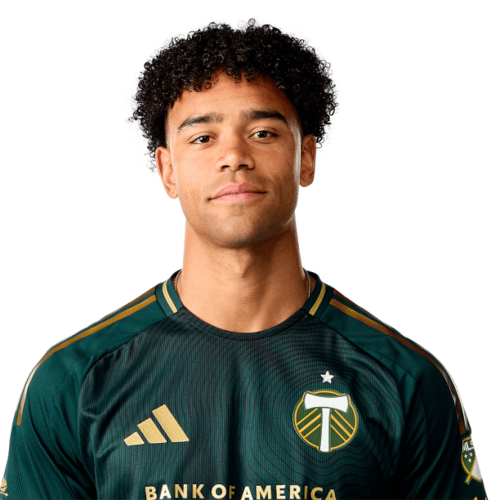
Brandon Bye is a United States defender currently listed with Portland Timbers in Major League Soccer.
Brandon Bye MLS Profile
- Club: Portland Timbers
- Position: Defender
- Nationality: United States
- Born: November 29, 1995
- Height: 1.83 m (6 ft 0 in)
- Weight: 172 lbs
About Brandon Bye
Brandon Scott Bye (born November 29, 1995) is an American professional soccer player who plays for Major League Soccer club Portland Timbers.
Career
College and amateur
Bye was born in Kalamazoo, Michigan and grew up in nearby Portage, Michigan. He played his college career at Western Michigan University where he played mainly as a winger. Bye played 64 matches for the Broncos, starting 62. He scored 22 goals and had 19 assists.
Bye also played for National Premier Soccer League sides Grand Rapids FC, Kalamazoo FC and Minneapolis City SC.
Professional
On January 19, 2018, New England Revolution selected Bye with the 8th overall pick of the 2018 MLS SuperDraft. He signed with the club on February 10, 2018.
Bye made his professional debut on March 3, 2018 as a 55th-minute substitute during a 0–2 loss to Philadelphia Union.
Brandon Bye Discussion
Discuss Brandon Bye, Portland Timbers, MLS performances, transfers, goals, highlights, and Major League Soccer news on MLS Forums.
Brandon Bye MLS Player Links
Loading player links...
Join the conversation
You can post now and register later. If you have an account, sign in now to post with your account.