






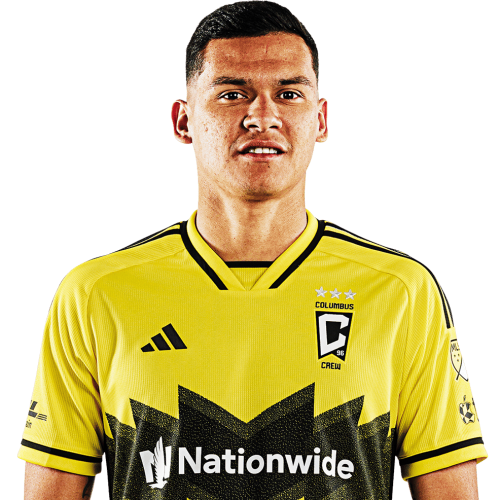
Andrés Herrera is a Argentina right-back currently listed with Columbus Crew in Major League Soccer.
Andrés Herrera MLS Profile
- Club: Columbus Crew
- Position: Right-Back
- Nationality: Argentina
- Born: November 3, 1998
- Height: 185 cm (6'1\")
- Weight: 75 kg (165 lbs)
About Andrés Herrera
Marcelo Andrés Herrera Mansilla (born 3 November 1998) is an Argentine professional footballer who plays as a right-back for Major League Soccer club Columbus Crew, on loan from River Plate.
Herrera started his senior career with San Lorenzo, having had youth spells with Textil Mandiyú, Boca Unidos and Rivadavia. He was selected in the club's senior squad during the 2018–19 Argentine Primera División campaign, with his professional debut arriving on 21 September 2018 during a win over Patronato at the Estadio Pedro Bidegain; he played the full ninety minutes as San Lorenzo won 3–2. Herrera ended 2018–19 with three goals, split across the Primera División, the Copa Argentina and the Copa Libertadores.
On 3 February 2022, Herrera joined River Plate for a fee of US$3.2 million, signing a 3-year deal.
In July 2019, Herrera made the Argentina U23s' squad for the Pan American Games in Peru. He made five appearances as Argentina beat Honduras in the final to secure the trophy.
Andrés Herrera Discussion
Discuss Andrés Herrera, Columbus Crew, MLS performances, transfers, goals, highlights, and Major League Soccer news on MLS Forums.
Andrés Herrera MLS Player Links
Loading player links...
Join the conversation
You can post now and register later. If you have an account, sign in now to post with your account.